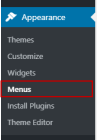
1. Go to Appearance > Menus
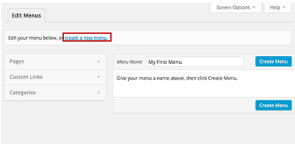
2. Create a new menu if you have not already (if you have skip to step 8)
3. Enter the Menu Name and press Create Menu
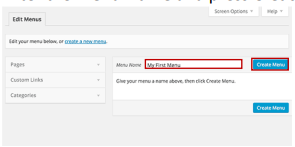
4. Your page should now look like this
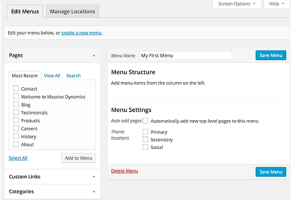
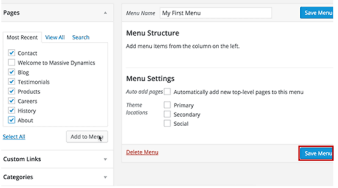
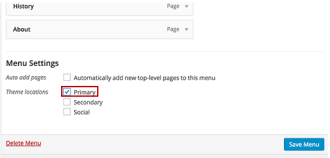
5. In the Menu settings select Primary
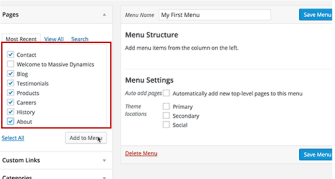
6. Now select the pages you want to end from the menu on the side
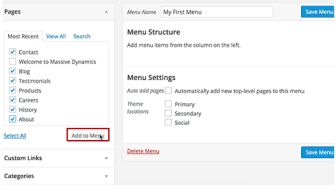
7. Press Add to Menu when you have selected all your pages
8. Press Save Menu and your menu will have been published